INSTALLS
No installs yet
SUPPORT
- Partner Supported
TRUST SIGNALS
Key highlights of the appNew Jira projects get your permission scheme, notification scheme, category and default assignee on creation, with a dry run first
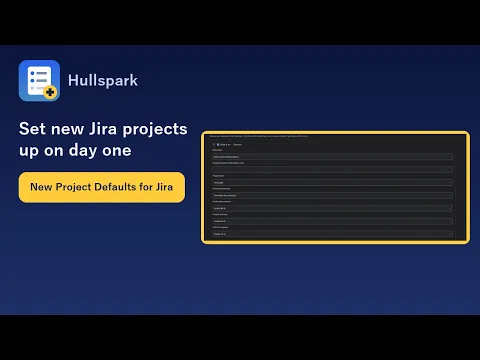
Every new project starts with your settings
Create a project the usual way. The first matching rule (key prefix, project type) sets the permission scheme, notification scheme, category and default assignee. Blank settings stay as they are.
See what was applied to each new project
Every run is logged with time, project, trigger, rule and what changed. The Activity log keeps the last 100 runs. Failed entries can be retried from the same page.
Find projects that drifted from your rules
The Drift report checks company-managed projects against your saved rules and lists the ones that differ, with the old and new value. Apply per project after a confirm. Scanning only reads.
Supporting media
More details
Jira creates new projects with its own defaults. Someone then has to set the permission scheme, notification scheme, category and default assignee by hand, and a missed project goes unnoticed. Projects created by API, import or automation never see a template at all.
In Jira settings, open New Project Defaults (admins only) and write rules. The first rule that matches a new project’s key prefix and type sets its permission scheme, notification scheme, project category and default assignee. A blank setting is left as it is. Team-managed projects are skipped.
Existing projects change only when you pick them: Preview shows what would change, Apply runs after a confirm. The Drift report lists projects that no longer match your rules. Writes only what differs. Runs on Atlassian, no data leaves Atlassian. English and Japanese. Free for up to 10 users.
Resources
App documentation
Comprehensive set of documentation from the partner on how this app works
Privacy and Security
Privacy and security questionnaire has been filled by the partner
Privacy policy
Atlassian's privacy policy is not applicable to the use of this app. Please refer to the privacy policy provided by this app's partner.
Partner privacy policySecurity program
This app is not part of the Marketplace Bug Bounty program.
Integration permissions
New Project Defaults for Jira integrates with your Atlassian app
Version information
Version 2.1.0•for Jira Cloud
- Release date
- Oct 30th 2026
- Summary
- Initial release
- Details
Initial release.
- Payment model
- Paid via Atlassian
- License type
- Commercial