OVERALL RATINGS
DOWNLOADS
99
SUPPORT
- Partner Supported
Key highlights of the appMigrate issues, comments, attachments, links, history, etc., from ADO, Rally, ALM, Helix, IBM DOORS and 70+ tools to Jira
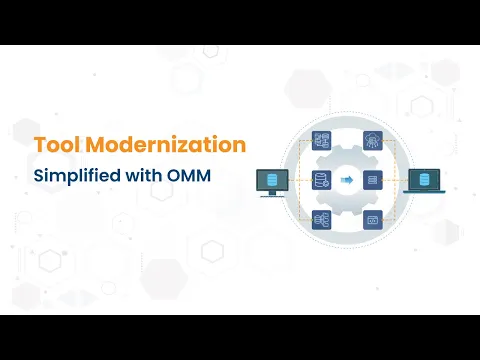
Migrate to Jira with zero downtime
OMM lets teams continue using the current system. Its reverse sync not only pushes updates to Jira but also syncs changes back to the source system, keeping compliance, audits & reports accurate until the final cutover.
Move all your critical data, intact
Migrate custom issues, comments, attachments, history, and original IDs, @mentions, versions, etc., from any tool to a single or multiple Jira instances, with no data loss. Book a free migration demo slot.
Codeless Jira migration setup with GUI
Configure your Jira migration set up without code. OMM runs outside systems unlike in-tool plugins, keeping Jira stable and fast. Whether it is 10 projects or 10000+, migrate to Jira without slowing the end systems.
Supporting media
More details
Migrate to Jira with OpsHub Migration Manager (OMM)
Move all or selected projects incrementally instead of relying on risky lift-and-shift migrations. Restructure projects, adopt new workflows, and transform data into updated field templates while preserving consistency and integrity. OMM supports migration to Jira plugins including Zephyr Squad, Xray, R4J, Jira Agile, Elements Connect, QMetry, Stagil Assets, and SLA Powerbox, etc.
OMM also provides proactive failure recovery with:
- Real-time error detection,
- Automated retries,
- Error queue management,
- Alerts and detailed logs,
- Built-in conflict resolution
How to migrate to Jira with OMM
- Finalize migration scope – projects, entities, fields
- Prepare phased migration plan
- Configure target projects and fields
- Set up migration mappings and rules
- Execute migration
- Validate migrated data
- Handle change requests or reconciliation
- Perform final source cut-off
- Go live on target Jira environment
Resources
Download
Get the .jar file downloaded to your system
App documentation
Comprehensive set of documentation from the partner on how this app works
Privacy and Security
Privacy policy
Atlassian's privacy policy is not applicable to the use of this app. Please refer to the privacy policy provided by this app's partner.
Partner privacy policySecurity program
This app is not part of the Marketplace Bug Bounty program.
Version information
Version 7.68•for Jira Cloud
- Release date
- Mar 9th 2021
- Summary
- Support for Entity Mention, User Mention, Issue & Project Movement
- Payment model
- Paid via Vendor
- License type
- Commercial