Elements Spreadsheet - tables for Data & Project Management

OVERALL RATINGS
INSTALLS
2,044
SUPPORT
- Partner Supported
- Cloud Migration Assistance
TRUST SIGNALS
Key highlights of the appThe Spreadsheet editor built for Confluence: import/export spreadsheets, create tables, add charts, and easily track your projects
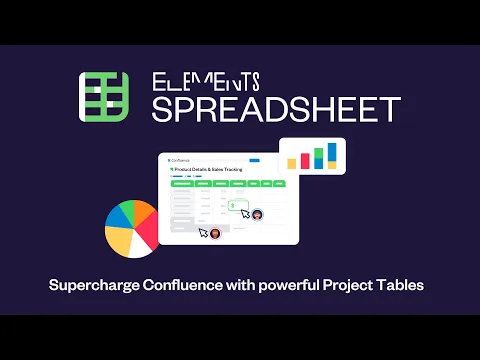
Seamlessly import and export Excel to Confluence
💹 Elements Spreadsheet brings Excel data and spreadsheets live on a Confluence page. Easily import and export spreadsheet while preserving original formatting. No more copy-pasting data and keep the Excel look and feel.
Organize your data with an advanced feature set
📊 Optimize your data with advanced formatting:
– Pre-formatted & custom templates
– Formatting, filtering, sorting & data validation
– Specific data type (text, date, user)
Dive into essential insights with stunning graphs
💡Turn complex project data into actionable insights. Integrate Spreadsheets seamlessly with Confluence's native charts. Effortlessly visualize and analyze information to make informed decisions, ensuring project success
Supporting media
More details
Why should teams use Elements Spreadsheet ?
Spreadsheet is built for teams that want to build reports and track data directly in Confluence pages.
Who is it for?
- 📊 Marketing : Track your marketing campaigns performance
- 🎯 Management: Manage your teams' OKRs and budget
- 📁 Finance/ HR : Import your company's templates
- 📋 Ops / Engineers : Embed spreadsheets in your sprint retrospectives
- 🔄 Project Managers: Easily pull data from Excel into Confluence
Key outcomes
- ✅ Faster data management - filter, sort, and edit data in a spreadsheet interface
- ✅ No more copy-pasting data - No more switching between Jira, Sheets, Confluence and Excel
- ✅ Better insights - turn tables into charts without leaving your page
- ✅ Higher consistency - data validation and formatting rules
👉 Get help
📅 Book a demo 📖 Documentation 💬 Support
Solution Partner, Talk to a Partner Manager
Resources
App documentation
Comprehensive set of documentation from the partner on how this app works
Privacy and Security
Privacy and security questionnaire has been filled by the partner
Privacy policy
Atlassian's privacy policy is not applicable to the use of this app. Please refer to the privacy policy provided by this app's partner.
Partner privacy policySecurity program
This app is part of the Marketplace Bug Bounty program.
About Bug Bounty programIntegration permissions
Elements Spreadsheet - tables for Data & Project Management integrates with your Atlassian app
Version information
Version 5.0.0•for Confluence Cloud
- Release date
- Aug 6th 2026
- Summary
- Minor version update
- Details
- Minor version update
- Payment model
- Paid via Atlassian
- License type
- Commercial